Are you between 13 and 15 years old and interested in journalism? Now you have the chance to join Someuutiset as a volunteer (The work is light and non-binding). This is an unpaid position, as Someuutiset is a hobby-based project run by a 14-year-old. If you’d like to work for Someuutiset, send an email to: info@someuutiset.com
Instructions for creating an article:
Click the “New” button in the upper left corner of the page.

Next, come up with a headline for the news story (It must be fact-based!)

If the topic is, for example, a TikTok “trend” where, say, Pasi eats 100 apples in an hour (just an example!), the headline could look something like this.

After writing the headline, find a suitable image for the article. In this case, you could search for “Apple,” select an image you like, right-click on it, and choose “Copy Image.”
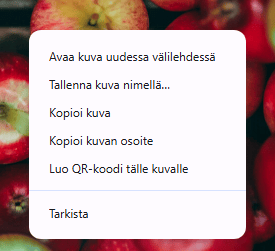
After that, return to the article and press “Ctrl + V” to insert the image into the article. Below you can see “Article without an image” and “Article with an image.”
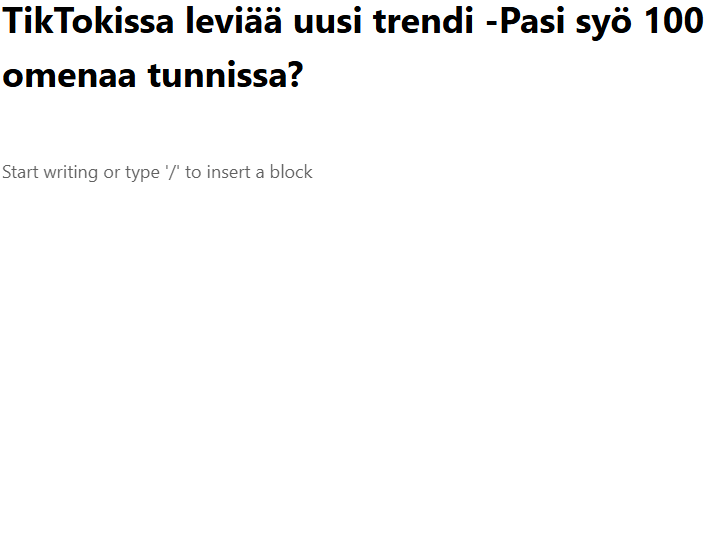
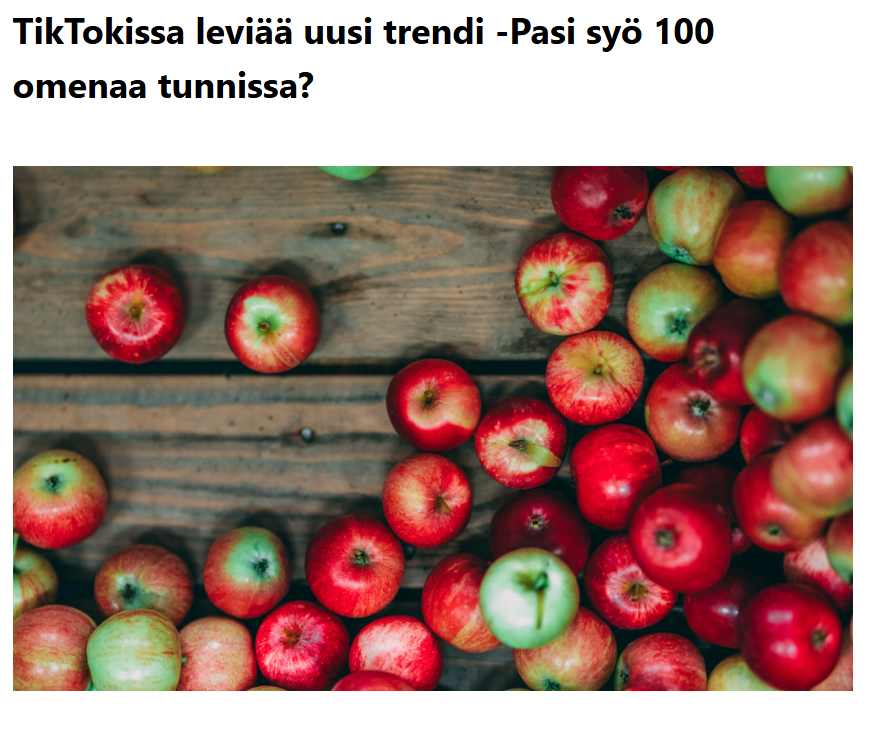
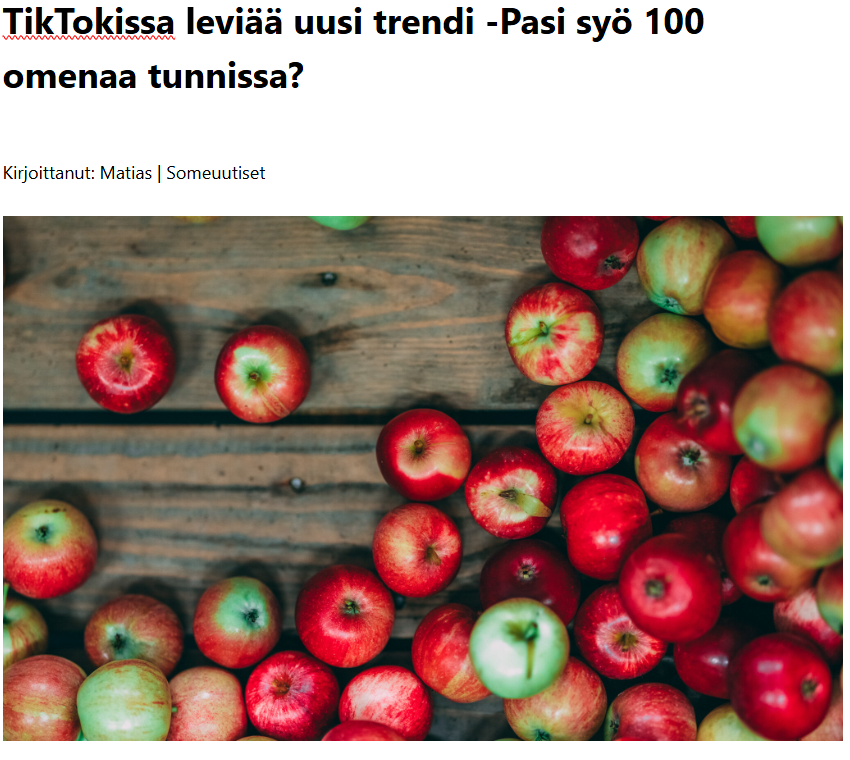
Before adding an image, there must be a section that reads “Written by: (your first name) | Social Media News” /OUTDATED—the name now appears automatically in the article.
Like this:
Next, the article. The article could be something like: “Omena Pasi,” known on TikTok, is eating 100 apples in an hour today. (If another news outlet broke the story first, be sure to mention it, e.g.) “Omena-Sanomat” was the first to report on this, and be sure to include a link to the article like this:

First, highlight the text, then click the “Link” icon, which is the “/” on the right side.
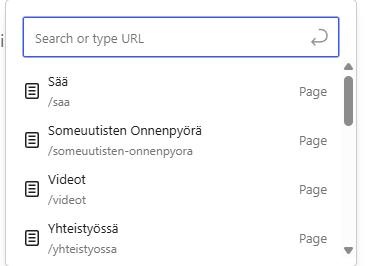
Then type the following into the search bar: “https://omena-sanomat.om/omena-pasi-syo-100-omenaa-tunnissa/”
and press “ENTER.”
Once the article is ready, click “Settings” in the upper-right corner.
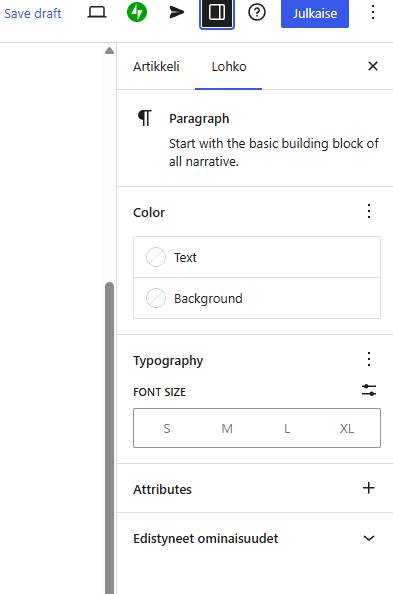
After that, click “Article”
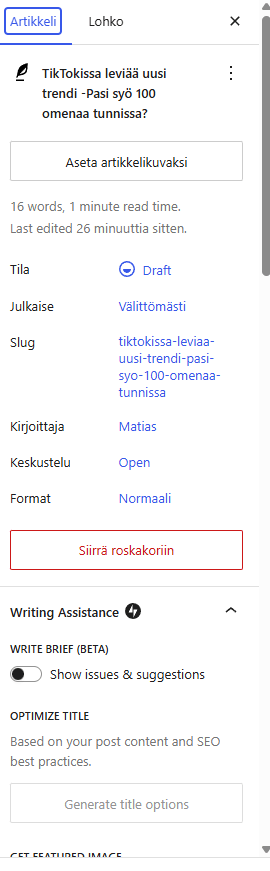
Then scroll down, as the article must have a caption.

Enter the caption in the "Excerpts" field, e.g., "Eating 100 apples in an hour," then scroll down to "Categories" and select the categories that fit the topic. If you want search engines to find your article more easily, add a “Keyword” in the field—for example, “Apple”—then press “ENTER,” click “Publish,” and then click “Publish” again. The final result should look like this:

Source attribution is absolutely essential; Someuutiset uses Creative Commons images as well as its own images. Source attribution is added after the “excerpt” in the format: “Image: Wikimedia Commons” or, if you took the photo yourself, “Image: First Name and Last Name / Someuutiset.”
Someuutiset is purely a hobby-based project!
If you’d like to get involved, send us an email.
Best regards, Someuutiset 🫡